Good deals don’t just land in your lap.
You have to know where to look, move fast, and spot things others miss. Otherwise, you’re just fighting over the scraps that everyone else is fighting over.
One tool that’s helped us time and time again? PropertyData.
Not just for stats and pretty maps — it’s like having an extra member of the team, scanning opportunities for you while you sleep.
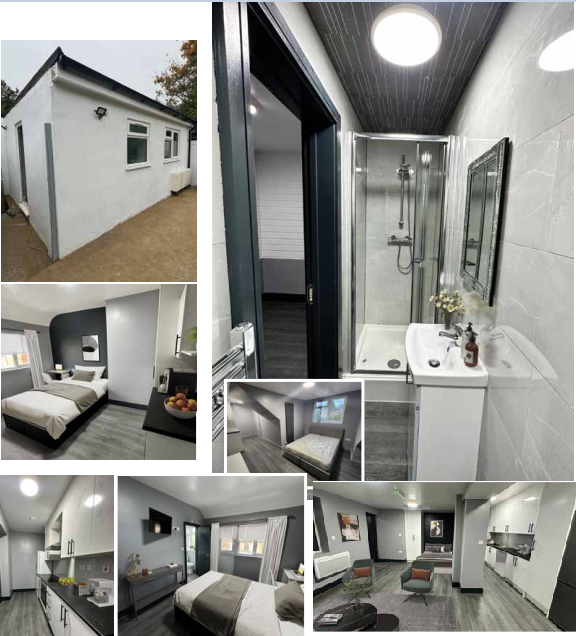
Over the last year alone, we’ve used it to pick up 10+ deals, including some absolute gems that most people didn’t even spot.
And the best part? It’s not just for developers.
If you’re a contractor, an architect, a sourcer, or even just starting out — this can save you years of painful mistakes and months of wasted time.
So today, I’m breaking down exactly how we use it — properly — so you can steal the playbook and get results for yourself.
No fluff, no theory. Just what’s working right now.
Why PropertyData Has Been a Game-Changer for Us
Most people think PropertyData is just about looking up average house prices or checking sold prices on a map.
That’s 10% of it at best.
If you use it properly, it gives you:
- Early warning signs for deals
- Insights that others don’t see
- Off-market opportunities
- A data-led way to spot value quickly
We’ve used it for everything from planning application alerts to market trend tracking to finding off-market vendors who were days away from giving up.
It’s like getting the inside track before the agent even picks up the phone.
The key? You can’t just look at it once and hope something magical happens. You have to build a process around it.
Step 1: Set Planning Alerts (and Actually Use Them)
The most powerful feature in PropertyData, in my view, is the planning alerts.
And yet 90% of users either don’t set them up properly, or they ignore them altogether.
Here’s how we use planning alerts to dominate specific areas:
1. Focus on Specific Areas
We’re not running around chasing “deals everywhere.” We pick suburban towns with:
- Strong transport links
- No heavy Article 4 restrictions (or very light ones)
- Existing demand for resi stock
- Plenty of commercial units with upper parts
You don’t want to look at over-saturated areas, but you also don’t want a place where everything is already polished and priced to perfection.
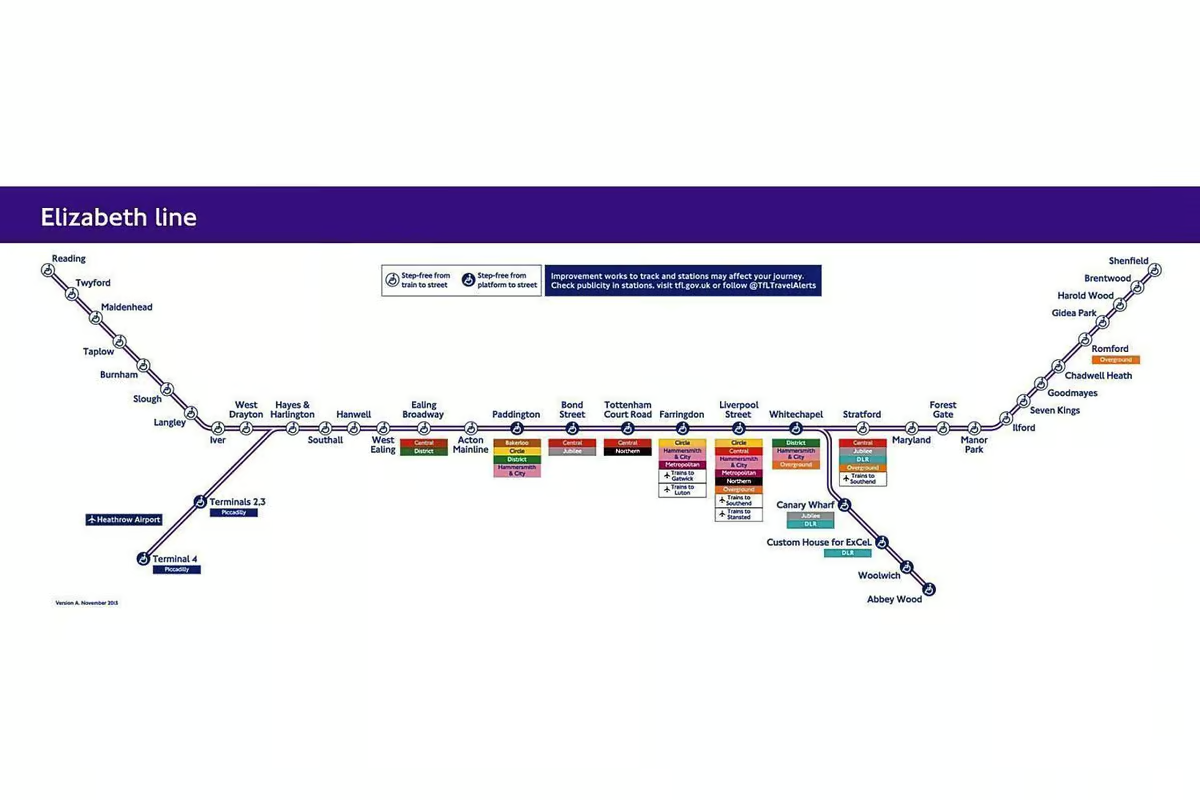
Example: towns just outside major cities that are benefiting from ripple effects, we follow the Crossrail line.
2. Set Up Smart Alerts
We don’t just say “send me everything.”
We set up targeted alerts for:
- Class MA planning applications
- Small residential developments (1-5 units)
- Withdrawn or refused planning apps (gold dust)
Why withdrawn/refused? Because 90% of the time, the applicant is fed up, might have already spent thousands on surveys and fees, and now just wants out.
That’s your chance to step in and solve the problem.
3. Move Fast
Once an alert hits our inbox, the clock’s ticking.
We don’t sit around discussing it in 18 WhatsApp groups.
We move quickly:
- Look at the site online
- Check the street view and plot size
- Find the owner
- Make contact
Speed wins.
Example Deal:
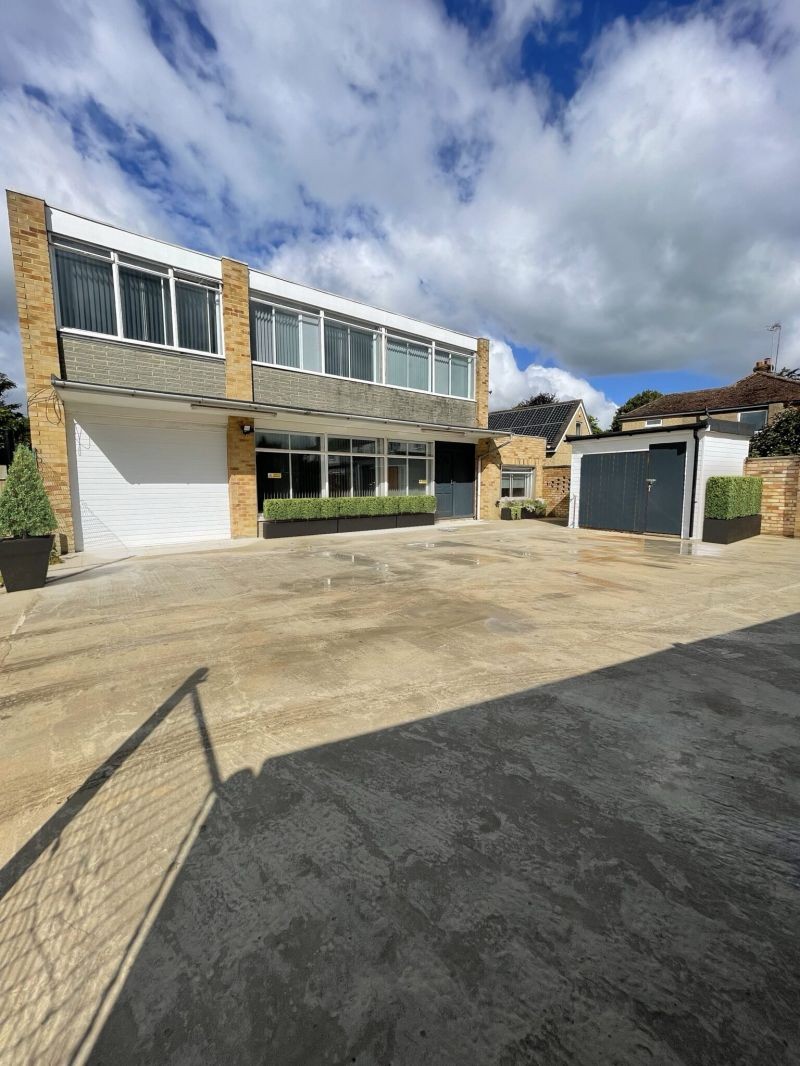
We picked up a shop + uppers after planning had been rejected because of noise concerns. The owner was frustrated. We came in, sorted the acoustic survey, offered ventilation upgrades, and had planning re-approved in a few months.
Solid ROI — all because we moved when others hesitated.
Quick Tip:
Never ignore withdrawn or refused planning applications. They’re either motivated sellers, or they’ve already done half the planning legwork for you. Either way, you’re starting further up the ladder.
Step 2: Find the Hidden Gems That Others Miss
Setting alerts is the easy bit. Now you have to do the real work — digging deeper.
When a site pops up, most people skim the surface:
- “Oh it’s rejected, must be a no-go.”
- “Flood zone? No thanks.”
And they move on.
But smart operators go deeper.
Here’s how we do it:
1. Use Layers and Filters Properly
PropertyData lets you filter for things like:
- Flood risk zones
- Conservation areas
- Article 4 areas
- Planning history
It’s not there to overwhelm you — it’s there to eliminate time-wasters fast.
We’ll immediately bin anything that’s a listed building or deep in protected zones (unless there’s a good reason to dig further).
But often, things like flood zones are overblown — and that’s where opportunity lies.
2. Look for Patterns
One-off planning refusals aren’t exciting. Patterns are.
Example: If you spot that three shops within 300m have all been converted under Class MA in the last 18 months — that’s a trend.
Even if your target building hasn’t been touched yet, that local precedent massively boosts your chances.
We track and build micro-reports on certain towns using PropertyData.
3. Trust the Data, but Always Verify on Foot
Never just buy based on a map.
Once a site looks good:
- We visit it
- We speak to neighbours
- We pop into nearby shops
You’ll learn things you’ll never find online — like:
- “The council loves resi schemes here.”
- “That building floods twice a year.”
- “The owner’s desperate to sell.”
Real intel beats database reports every time.
Example Deal
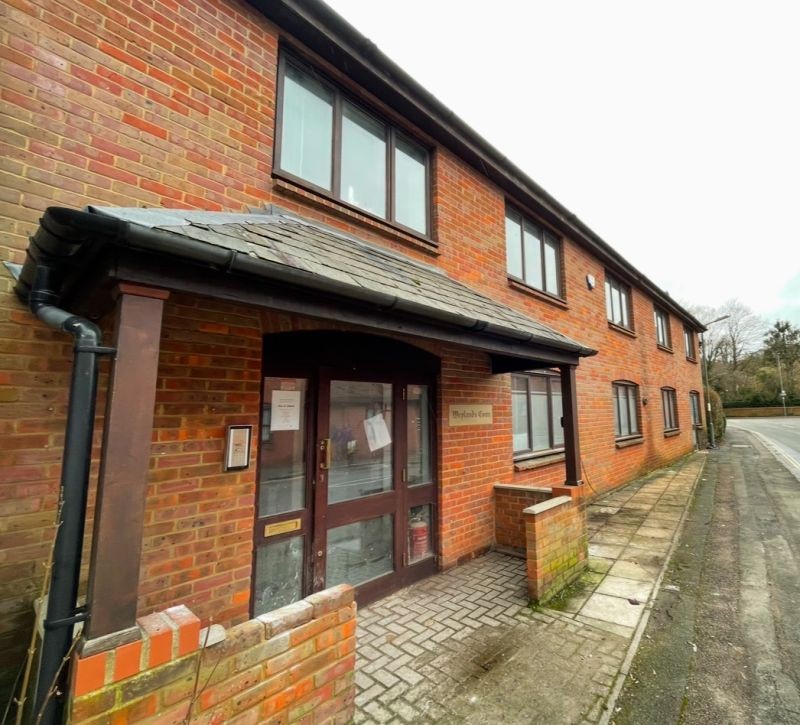
One flagged site was marked as “rejected” because it sat inside a flood zone.
Everyone else moved on.
We called a local flood risk consultant — £350 later we had a rapid assessment showing a an easy fix mitigation strategy we can put in place to act as a flood barrier.
Two tweaks to drainage on the site layout and boom — planning approved.
Moral of the story: The obstacle is often the opportunity.
Quick Tip:
Don’t panic when you see “restrictions” or “rejections.” Understand what they really mean. Then find a way around them.
Step 3: Approach Sellers the Right Way
Once you’ve found the opportunity, the next battle is getting the seller onside.
Most people send a generic email. Maybe a LinkedIn message. And then wonder why nothing happens.
That’s not how you get deals.
Here’s how we approach it:
1. Timing Is Everything
When a planning app gets refused or withdrawn, the clock starts ticking.
You want to catch the owner while the frustration is fresh — but before they list with an agent.
First-mover advantage is real here.
2. Lead With Value
Don’t just message saying “Hi, are you selling?”
Tell them you’re aware of the planning situation. Show them you understand it. Offer a solution, not just an offer.
3. Have Options
If the owner is uncontactable, we reach out to:
- The planning agent
- The architect
- The consultants listed on the app
Half the time, these people can get you a direct intro — especially if you frame it positively.
Example Deal
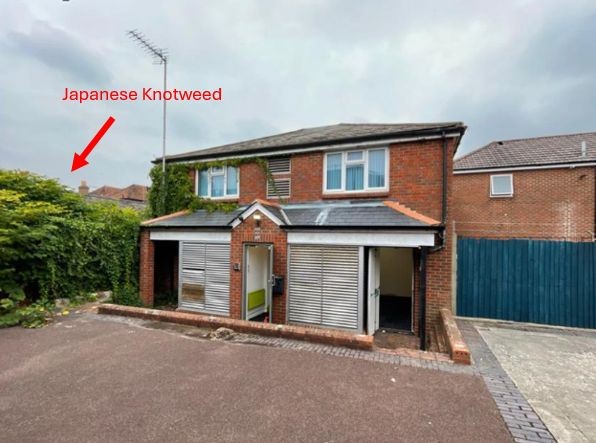
We bagged a great site after spotting that the owner had planning refused because of a knotweed issue next door.
Everyone else bailed.
We found a specialist, negotiated a £2,000 plan, got neighbouring access sorted, and closed at a big discount.
All because we didn’t panic and actually solved their problem.
Quick Tip:
Always have a mini case study ready to show sellers or consultants. “Here’s a problem we solved recently and how we did it.” Proof beats promises every time.
Keep It Simple, Stay Consistent
Finding deals isn’t about being the smartest person in the room.
It’s about being the most consistent person in the room.
- Set alerts properly.
- Dig deeper when others skim.
- Solve sellers’ problems.
- Move fast.
That’s it.
If you do that week in, week out — the opportunities will start stacking up.